203dpi Resolution: Delivers sharp text, clear graphics, and legible barcodes, making it ideal for professional documents like contracts, shipping labels, and inspection reports.
Wireless Bluetooth Connectivity: Enables seamless pairing with iOS, Android, Windows, and Mac OS devices, allowing you to print invoices, reports, or labels anytime, anywhere without the need for tangled cables.
Rechargeable 2600mAh Battery: Provides long-lasting power, ensuring you can print on the go without frequent recharging, enhancing mobility and convenience.
Shock-Resistant ABS Housing: Ensures durability and reliability, making the printer suitable for frequent travel and outdoor use, withstanding various environments and maintaining stable performance.
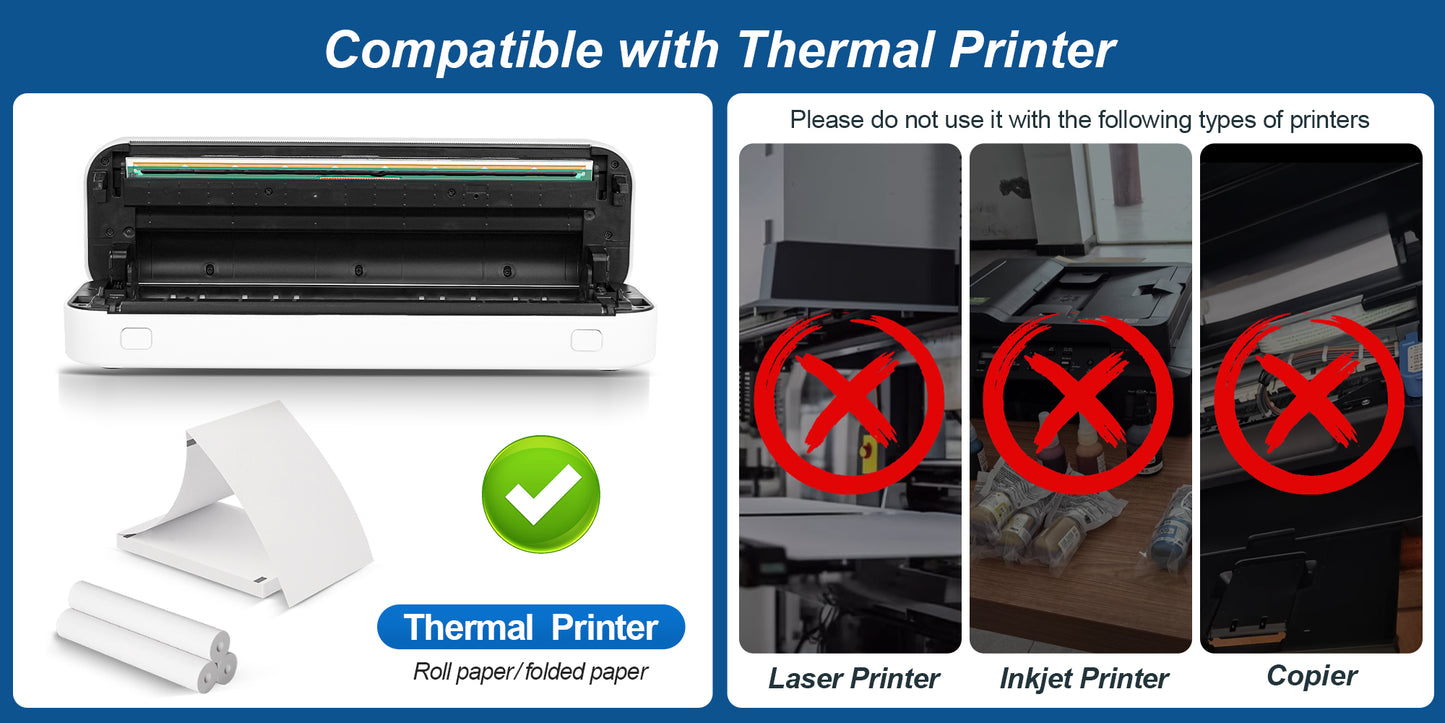
*Ribbon-Free Printing, Cut Costs & Hassle: Uses advanced direct thermal technology, so there’s no need for carbon ribbons or ink cartridges. Save money on consumables and avoid messy replacements, while ensuring clear, smudge-proof prints every time.
* Wireless Bluetooth Connectivity: Pair instantly with iOS, Android devices via Bluetooth 5.0. No tangled cables, print invoices, reports, or labels anytime, anywhere with just a few taps on your phone or laptop.
* Ultra-Portable A4 Printing: Compact size and lightweight (only 650g), fits easily in your backpack or briefcase. Break free from desktop printers – print anytime, no longer limited by location.
How to use?
Step 1 Load paper
(1).
Open The Cover. Press the left and right buttons at the same time to open the cover.
(2). Put Paper. The edge of the roll paper needs to go over the printer.
(3). Close The Cover. Press to close the cover.
Step 2 Connected
(1). Press and hold the power button for 2 seconds to turn on the printer.
(2). Open the app, press the power button twice to print the QR code, and scan the code with the app to connect to the printer.
Step 3. Print
Select and edit the document you want to print in the app, confirm, and print.